
Logo shown is the property of ClickUp, used for identification purposes only.
Find the Right Project Management Software
Book a consultation and find the right Project Management solution for your team.
Users consistently praise ClickUp for making project execution faster and easier, with a modern interface, strong reporting, and responsive customer support. Reviewers highlight fast setup, day-to-day reliability, and time saved on repetitive work as standout strengths. Tell us your needs and we'll return plan details matched to your team.
- Plan details matched to your team size
- Independent, no-pressure guidance
What you can do with ClickUp
Tasks, Boards & Lists
Manage work your way with tasks, kanban boards, lists, and calendar views that stay in sync.
Gantt & Timelines
Plan multi-phase projects with dependencies, milestones, and critical path visibility.
Contact Us
Share a few details and we'll send Project Management software plan details matched to your team size and needs.
Free to use · No obligation · Independent guidance
Software Finder is an independent software marketplace — not ClickUp, and not affiliated with or endorsed by them.
By submitting, you agree to Software Finder's Terms of Service and Privacy Policy and consent to be contacted by Software Finder and one or more matched software vendors (which may include ClickUp) about your request. You can opt out at any time.
Key takeaways
Users consistently praise ClickUp for making project execution faster and easier, with a modern interface, strong reporting, and responsive customer support. Reviewers highlight fast setup, day-to-day reliability, and time saved on repetitive work as standout strengths. Reviewers most often highlight ease of use, day-to-day reliability, and time saved on repetitive work.
Overview
What is ClickUp?
ClickUp is a Project Management platform designed to help teams centralize their work, reduce manual effort, and get clearer visibility across day-to-day operations. It brings the tools most teams need into one place, with a modern interface and integrations that fit into the stack you already run.
Best for
Organizations that want dependable project management software without heavy IT overhead. Buyers commonly choose it for its balance of features, usability, and value.
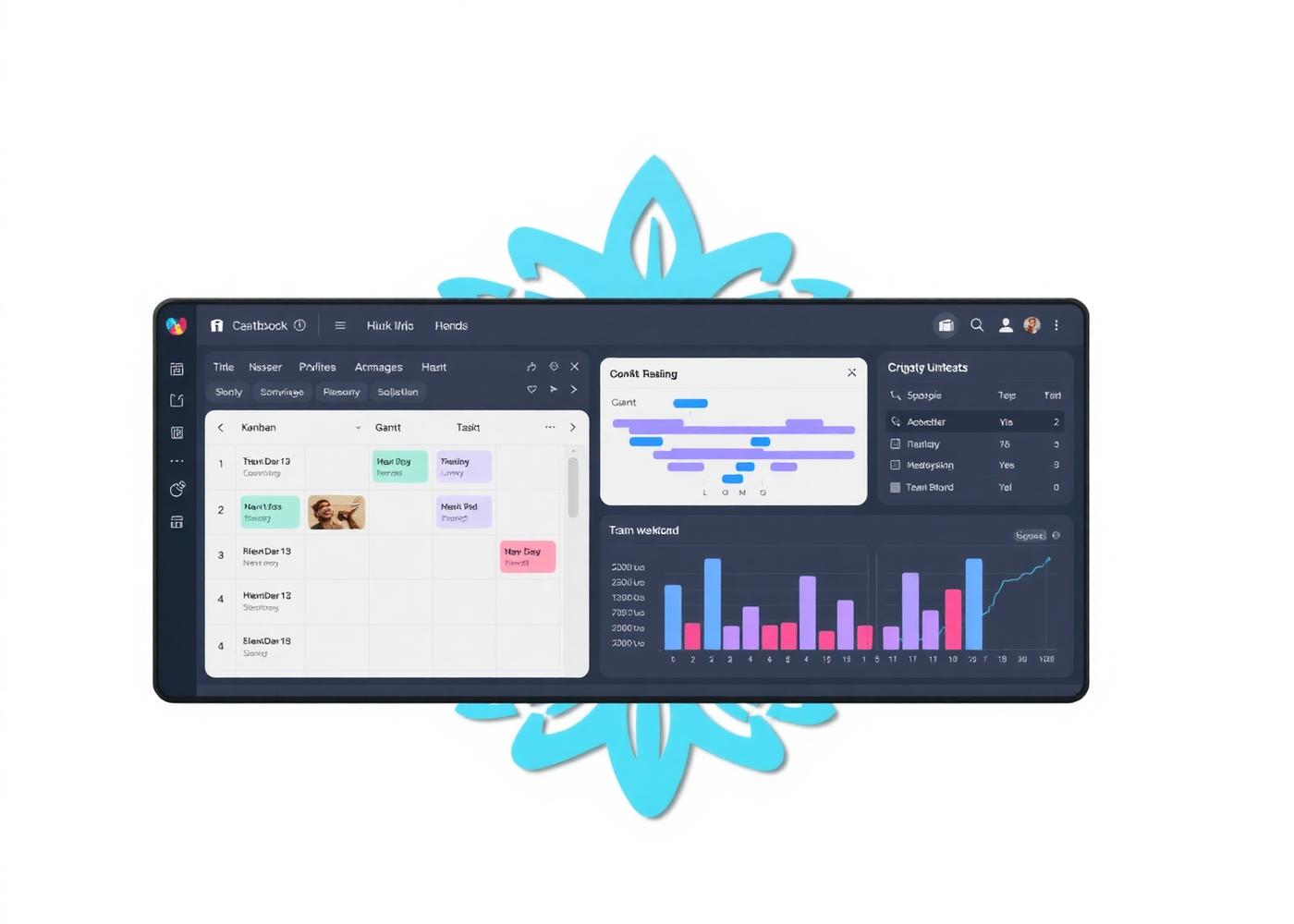
Screenshot representative of project management software; taken from the official ClickUp website for illustration.
Project Management · Feature 1
Time Tracking & Billing
Track time against tasks and projects, then turn hours into invoices with a couple of clicks.
- Built for project management teams
- Works with your existing stack
- Clear reporting and visibility
Screenshot representative of project management software; taken from the official ClickUp website for illustration.
Project Management · Feature 2
Docs, Files & Collaboration
Discussions, docs, and files live alongside the work they belong to, not in scattered tools.
- Built for project management teams
- Works with your existing stack
- Clear reporting and visibility
Screenshot representative of project management software; taken from the official ClickUp website for illustration.
Project Management · Feature 3
Automations & Templates
Automate repetitive steps and reuse templates for common project types to move faster.
- Built for project management teams
- Works with your existing stack
- Clear reporting and visibility
Who is ClickUp for?
Use cases
Common ways teams use ClickUp
Tasks, Boards & Lists
Manage work your way with tasks, kanban boards, lists, and calendar views that stay in sync.
Gantt & Timelines
Plan multi-phase projects with dependencies, milestones, and critical path visibility.
Workload & Capacity
See who is over and under capacity, and rebalance work before people burn out or deadlines slip.
Time Tracking & Billing
Track time against tasks and projects, then turn hours into invoices with a couple of clicks.
Users consistently praise ClickUp for making project execution faster and easier, with a modern interface, strong reporting, and responsive customer support. Reviewers highlight fast setup, day-to-day reliability, and time saved on repetitive work as standout strengths.
★★★★★ 4.5 / 5
Features
ClickUp features
Capabilities commonly available on the platform, summarized in our own words. Exact availability varies by plan.
Pros & cons
ClickUp pros and cons
Pros
- Purpose-built for project management workflows
- Modern, easy-to-use interface
- Strong reporting and dashboards
- Solid integrations and APIs
- Responsive customer support
Cons
- Pricing can add up as your team scales
- Advanced features may require higher plans
- Some setup time is needed to tailor it to your workflow
FAQ
Common questions about ClickUp
What does ClickUp do?
ClickUp is a Project Management platform that helps teams streamline day-to-day work, centralize data, and get better visibility across operations. We can share the specifics that fit your setup.
Who is ClickUp best for?
ClickUp is a strong fit for small and mid-sized businesses that need dependable project management software without heavy IT overhead, though larger teams use it as well.
How much does it cost?
Pricing depends on team size, modules, and contract length. Share a few details and we'll return plan details matched to your needs.
Does it integrate with the tools I already use?
Most modern platforms in this category connect to common accounting, HR, CRM, and productivity tools through native integrations or APIs. We can confirm what is available for your stack.
How does Software Finder fit in?
Software Finder is an independent marketplace. We help you gather plan details and compare options without sales pressure — you stay in control of the decision.
Software Finder is an independent software marketplace — not ClickUp, and not affiliated with or endorsed by them.
By submitting, you agree to Software Finder's Terms of Service and Privacy Policy and consent to be contacted by Software Finder and one or more matched software vendors (which may include ClickUp) about your request. You can opt out at any time.
Last step
Still comparing options? Get the right Project Management software matched to your team, no pressure.
Share a few details and we'll return plan details from vendors that fit your setup — free, independent, and no pressure to buy.