

Logo shown is the property of Clockify, used for identification purposes only.
Clockify — Features, Reviews & Pricing
Book a demo or request pricing for the time tracker used by millions of users worldwide.
Clockify is a time tracking and timesheet app that helps teams log hours, manage projects, and report on billable work. Tell us about your team and we'll return demo and pricing details matched to how you work.
- Free forever time tracker with unlimited users and projects
- One-click timer, manual entries, and weekly timesheets in one place
- Automatic timesheets, reports, and invoices for billable work
- Web, desktop, mobile, and browser extension apps that stay in sync
What you can do with Clockify
Time Tracker
Start a one-click timer or add time manually from any device — web, desktop, mobile, or browser extension.
Timesheets
Weekly timesheets let teams log hours per project and task and submit them for approval.
Get Clockify pricing
Share a few details and we'll return Clockify plan details matched to your team.
Free · No obligation · Independent guidance
Software Finder is an independent software marketplace — not Clockify, and not affiliated with or endorsed by them.
By submitting, you agree to Software Finder's Terms of Service and Privacy Policy and consent to be contacted by Software Finder and one or more matched software vendors (which may include Clockify) about your request. You can opt out at any time.
Key takeaways
Clockify is a lightweight time tracker and timesheet app — combining one-click timers, weekly timesheets, project budgets, reporting, and invoicing in a single cloud workspace that works across web, desktop, and mobile.
Overview
What is Clockify?
Clockify is a time tracking and timesheet platform used by teams and freelancers to log hours, monitor project budgets, and report on billable work. It brings timers, weekly timesheets, scheduling, reporting, and invoicing together in one cloud workspace — with apps for web, desktop, mobile, and browser extensions.
Best for
Agencies, professional services firms, remote teams, and freelancers that want simple time tracking, timesheets, and reporting without heavy setup.
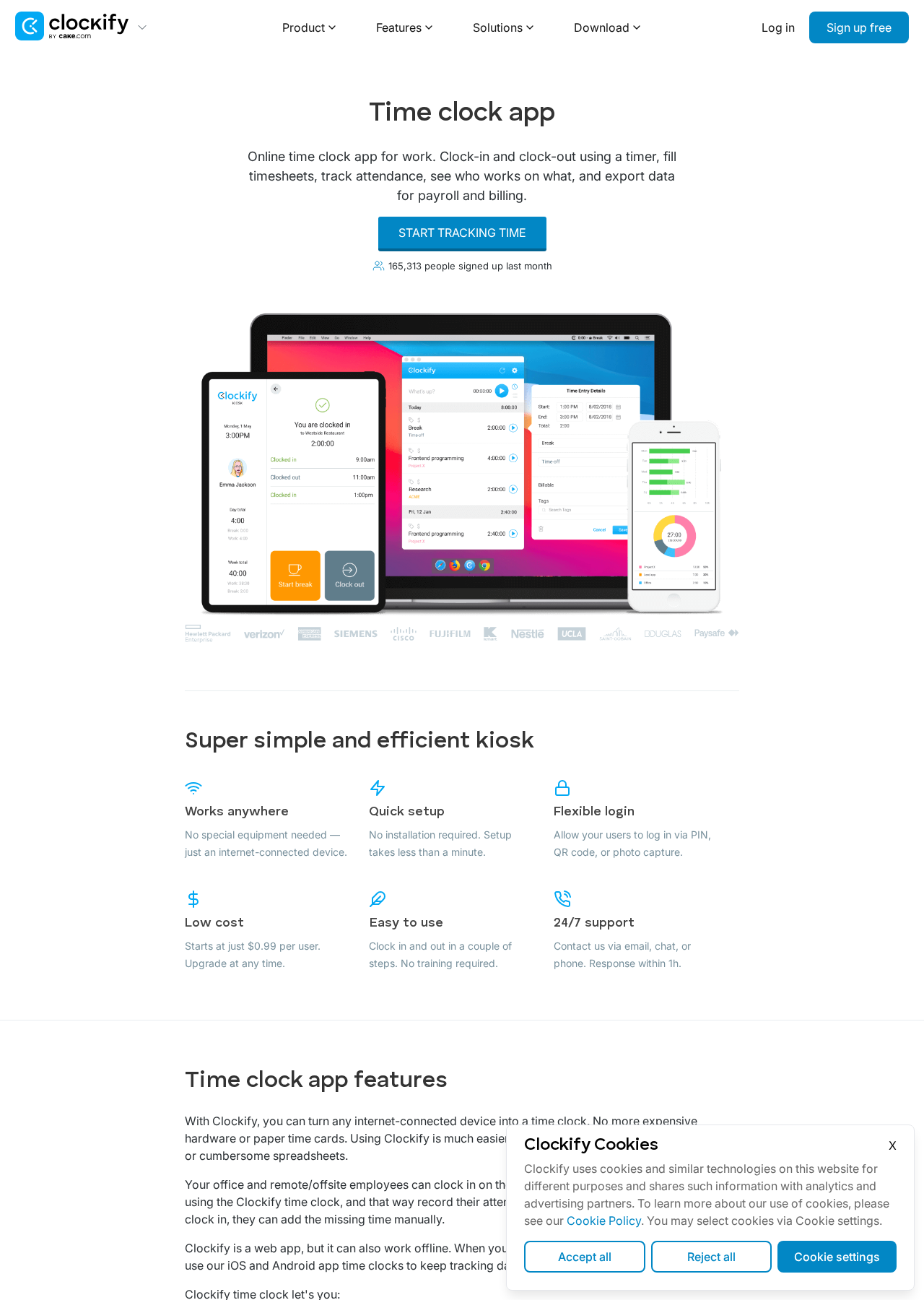
Screenshot taken from the official Clockify website (clockify.me).
Time Tracker
One-click time tracking on every device
Start a timer with a single click from the web app, desktop, mobile, or your browser. Switch between tasks without losing a minute — Clockify syncs across all your devices in real time.
- Web, desktop, mobile & extension apps
- Idle detection and Pomodoro timer
- Offline tracking with automatic sync
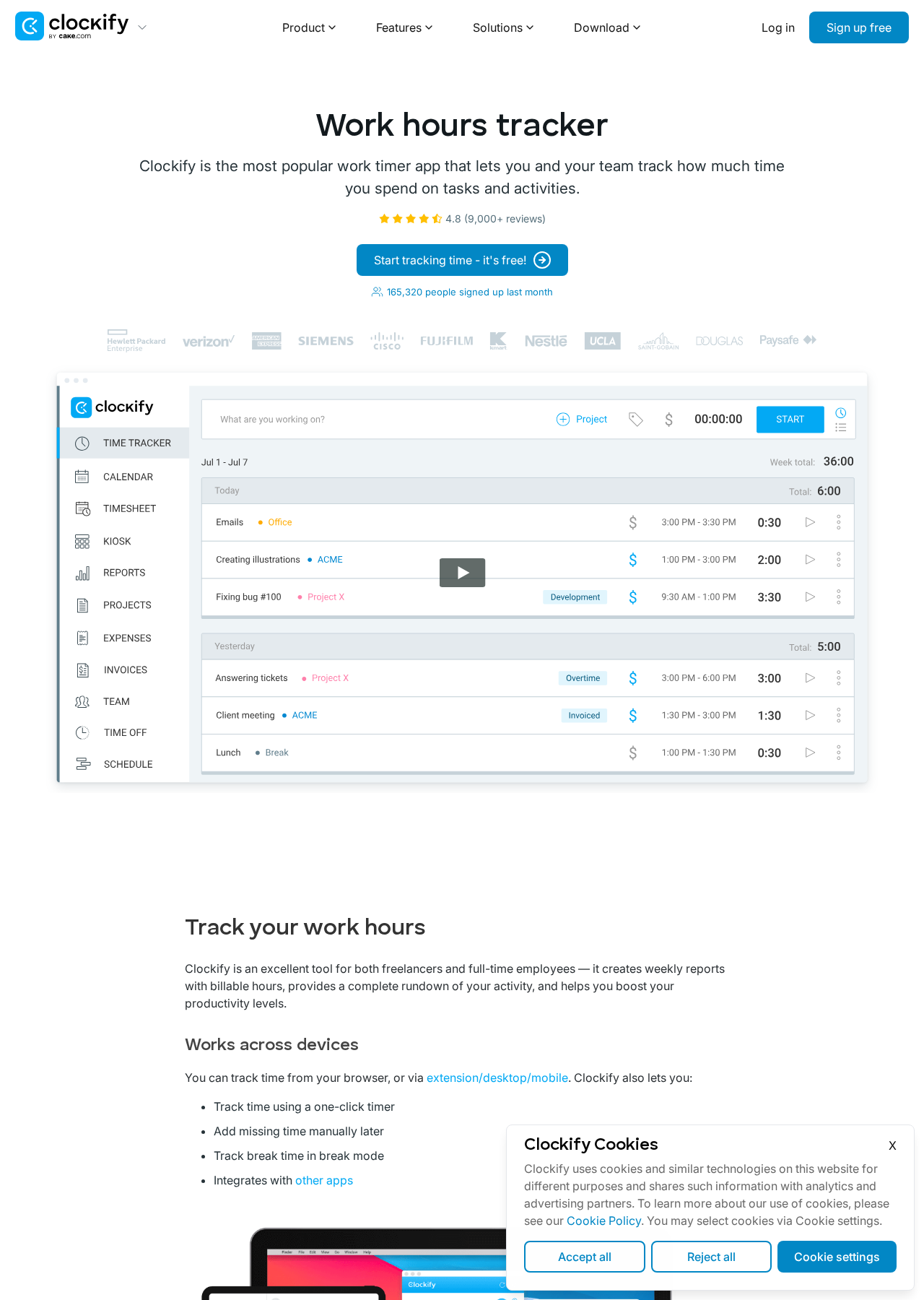
Screenshot taken from the official Clockify website (clockify.me).
Timesheets
Weekly timesheets your team will actually fill out
Give your team a simple weekly grid to log hours per project and task, then submit for approval. Managers get a clear view of what's tracked, billable, and pending review.
- Weekly timesheet grid
- Approvals and lock periods
- Reminders for missing time
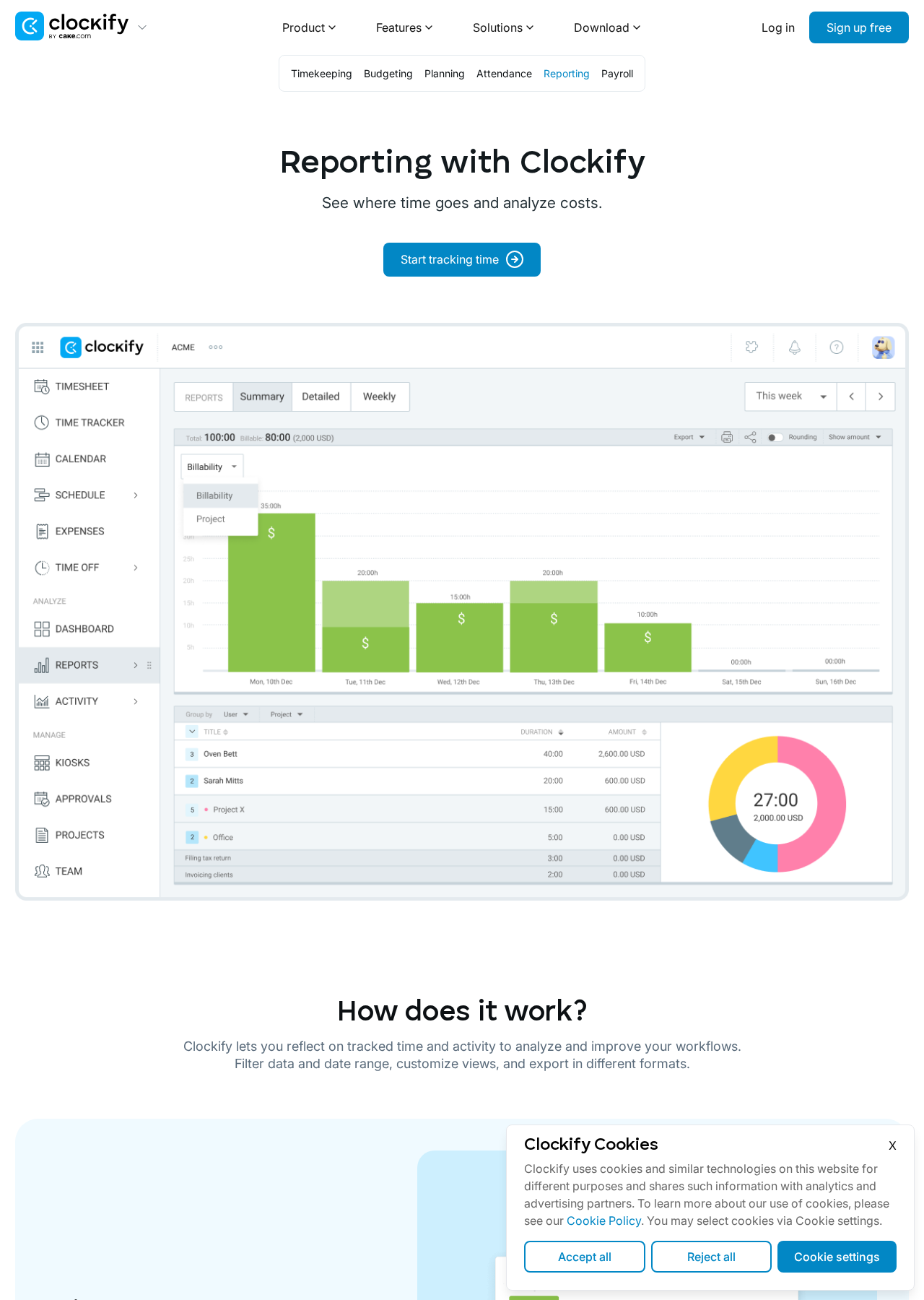
Screenshot taken from the official Clockify website (clockify.me).
Reports & Invoicing
Turn tracked time into reports and invoices
Break down time by project, client, task, or team member. Export polished reports or convert billable hours into invoices you can send to clients — without leaving Clockify.
- Summary, detailed & weekly reports
- PDF, CSV & Excel exports
- Invoices from billable hours
Who is Clockify for?
Use cases
Common ways teams use Clockify
Time Tracker
Start a one-click timer or add time manually from any device — web, desktop, mobile, or browser extension.
Timesheets
Weekly timesheets let teams log hours per project and task and submit them for approval.
Reports
Summary, detailed, and weekly reports with filters, exports (PDF/CSV/Excel), and shareable links.
Projects & Tasks
Organize work by client, project, and task with estimates, budgets, and billable rates.
Projects
Track budgets and profitability per project
Organize work by client, project, and task. Set estimates, billable rates, and budgets — then see exactly where time and money are going as work happens.
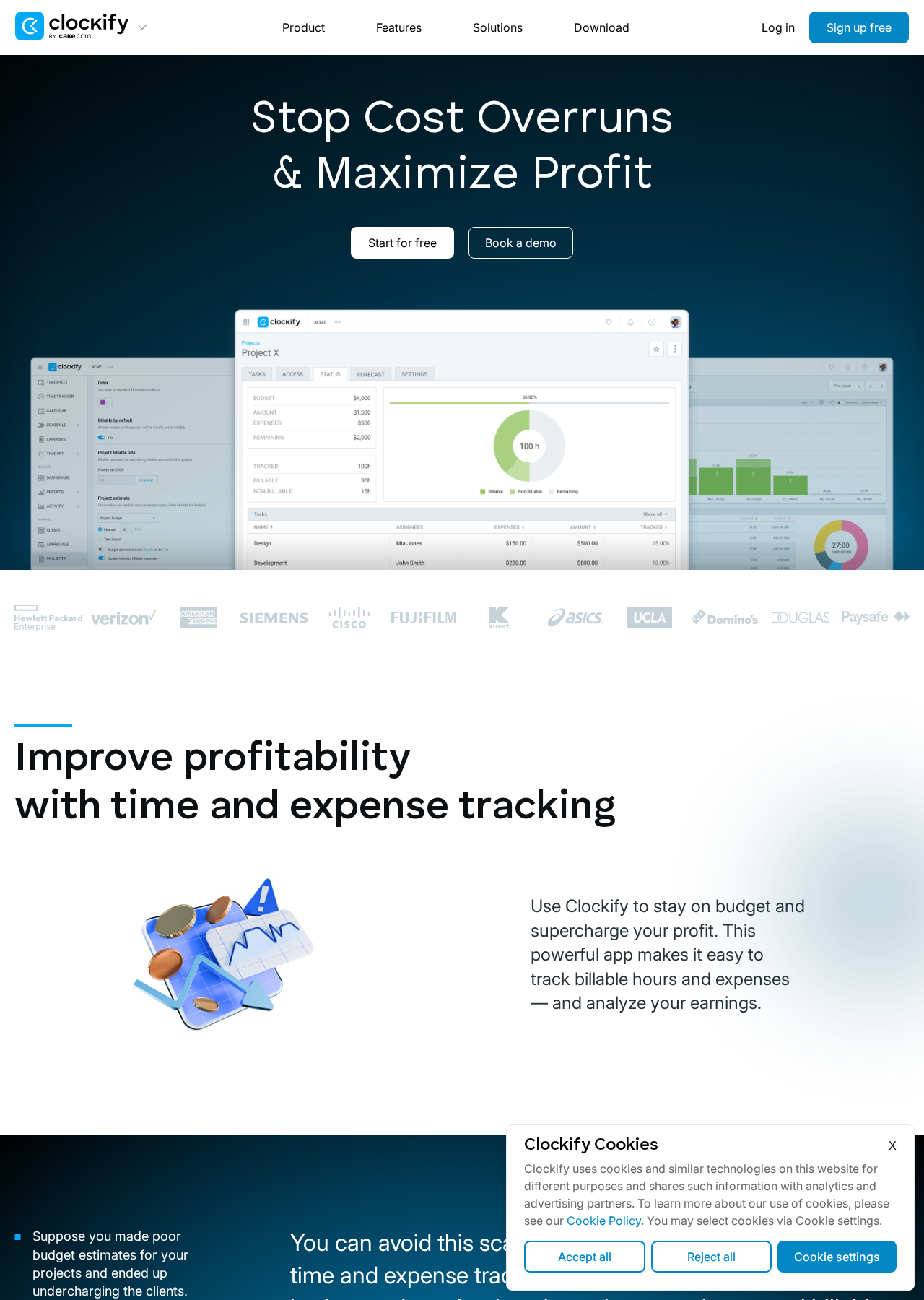
Screenshot taken from the official Clockify website (clockify.me).
Features
Clockify features
Capabilities commonly available on the Clockify platform. Exact availability may vary by plan.
Pros & cons
Clockify pros and cons
Pros
- Generous free plan with unlimited users and projects
- Works across web, desktop, mobile, and browser extensions
- Clear reporting with easy PDF/CSV/Excel exports
- Add-ons for scheduling, invoicing, and expenses
- Simple learning curve — teams can start in minutes
Cons
- Advanced features (scheduling, invoicing, GPS) require paid plans
- Deeper project management lives in separate Clockify apps
- Very customizable — small teams may not need every setting
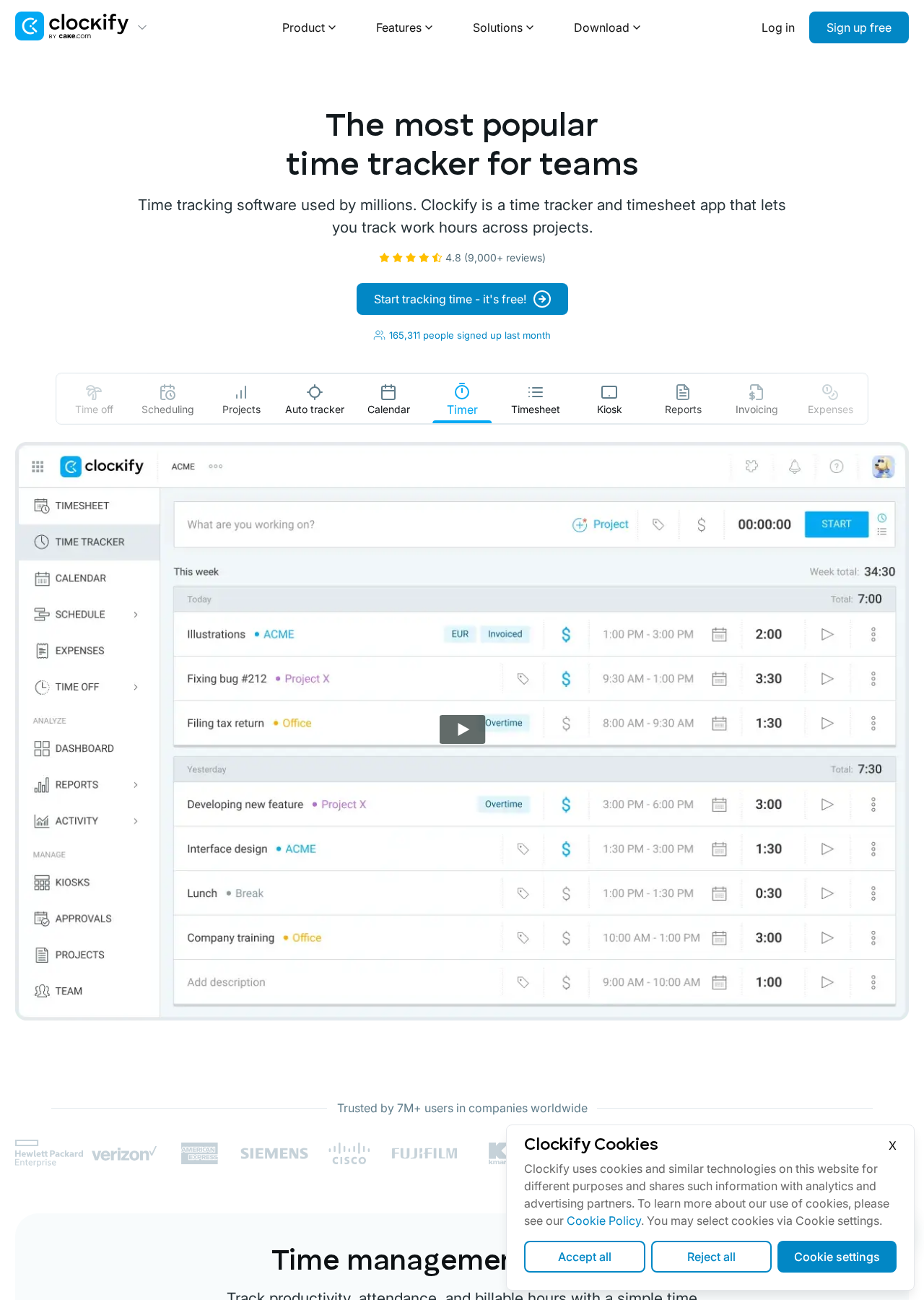
Screenshot taken from the official Clockify website (clockify.me).
Why Clockify
Trusted by teams and freelancers worldwide
Clockify is used by millions of users across agencies, product teams, and consultancies who need lightweight time tracking that scales from a single freelancer to a distributed team.
FAQ
Common questions about Clockify
What is Clockify?
Clockify is a time tracking and timesheet app used by teams and freelancers to log hours, manage projects, and report on billable work. It offers a free plan for unlimited users and paid plans that add scheduling, invoicing, and advanced admin controls.
Who is Clockify best for?
Clockify is a strong fit for agencies, professional services firms, remote teams, and freelancers who need lightweight time tracking, timesheets, and reporting without heavy setup.
How much does Clockify cost?
Clockify offers a free plan with unlimited users and projects, plus paid tiers that unlock features like scheduling, invoicing, GPS tracking, and single sign-on. Request pricing above and we'll return current plan details matched to your team.
Does Clockify work on mobile and desktop?
Yes. Clockify has apps for web, Windows, macOS, Linux, iOS, and Android, plus browser extensions for Chrome, Firefox, and Edge. Time tracked in one place syncs to the others automatically.
How does Software Finder fit in?
Software Finder is an independent software marketplace. We help you gather Clockify plan and demo details and compare options without sales pressure — you stay in control of the decision.
Last step
Ready to see Clockify for your team?
Book a personalized demo and we'll show you how Clockify fits your workflow — free, independent, and no pressure to buy.
- Free forever time tracker with unlimited users and projects
- One-click timer, manual entries, and weekly timesheets in one place
- Automatic timesheets, reports, and invoices for billable work
- Web, desktop, mobile, and browser extension apps that stay in sync
Get a Clockify demo
See Clockify in action with a walkthrough tailored to your team.
Free · No obligation · Independent guidance
Software Finder is an independent software marketplace — not Clockify, and not affiliated with or endorsed by them.
By submitting, you agree to Software Finder's Terms of Service and Privacy Policy and consent to be contacted by Software Finder and one or more matched software vendors (which may include Clockify) about your request. You can opt out at any time.